Instant voice
Tap once, start talking. Fast speech recognition tuned so the first word is never lost.
For iPhone · iPad · Apple Watch
A live interpreter in your pocket. Talk, type or point your camera — understood instantly, spoken back in a natural voice.
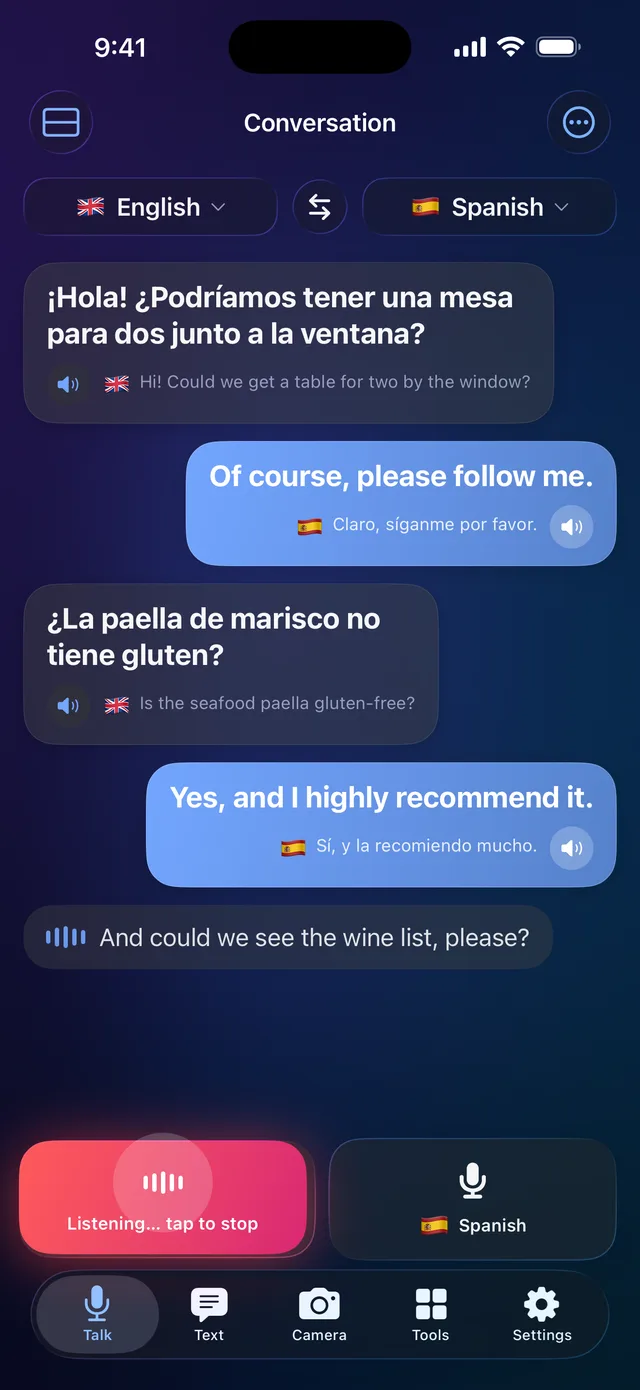
Live conversation
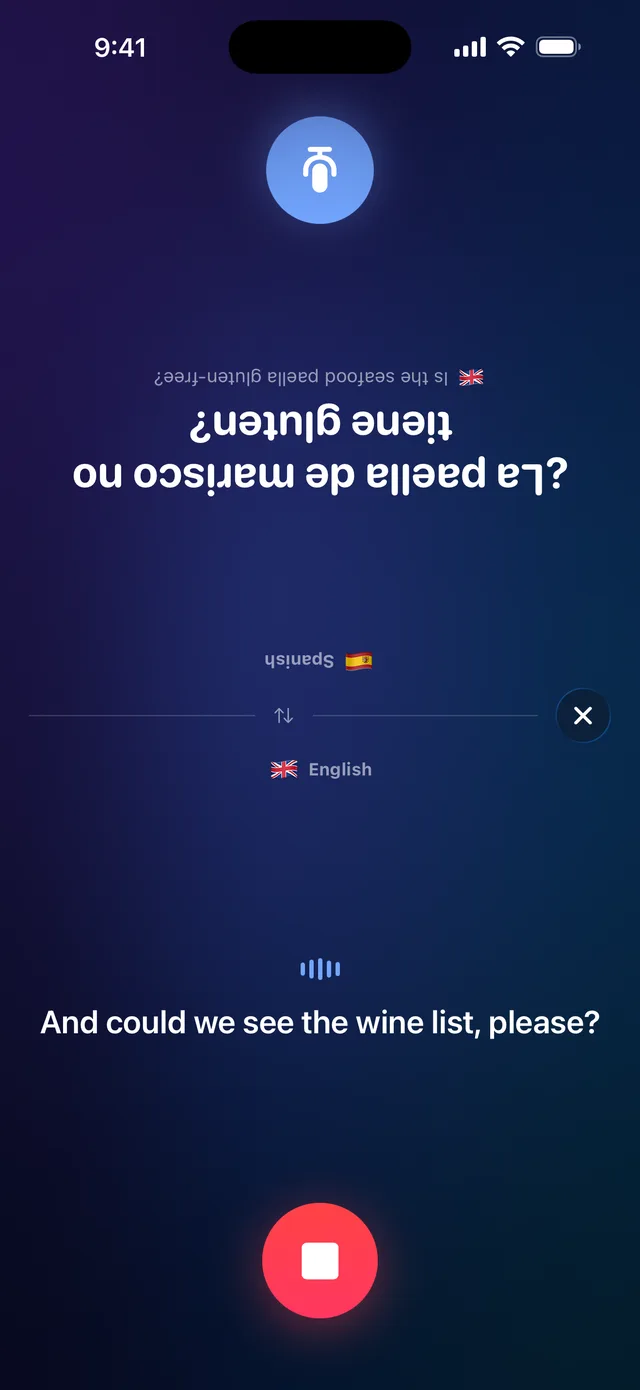
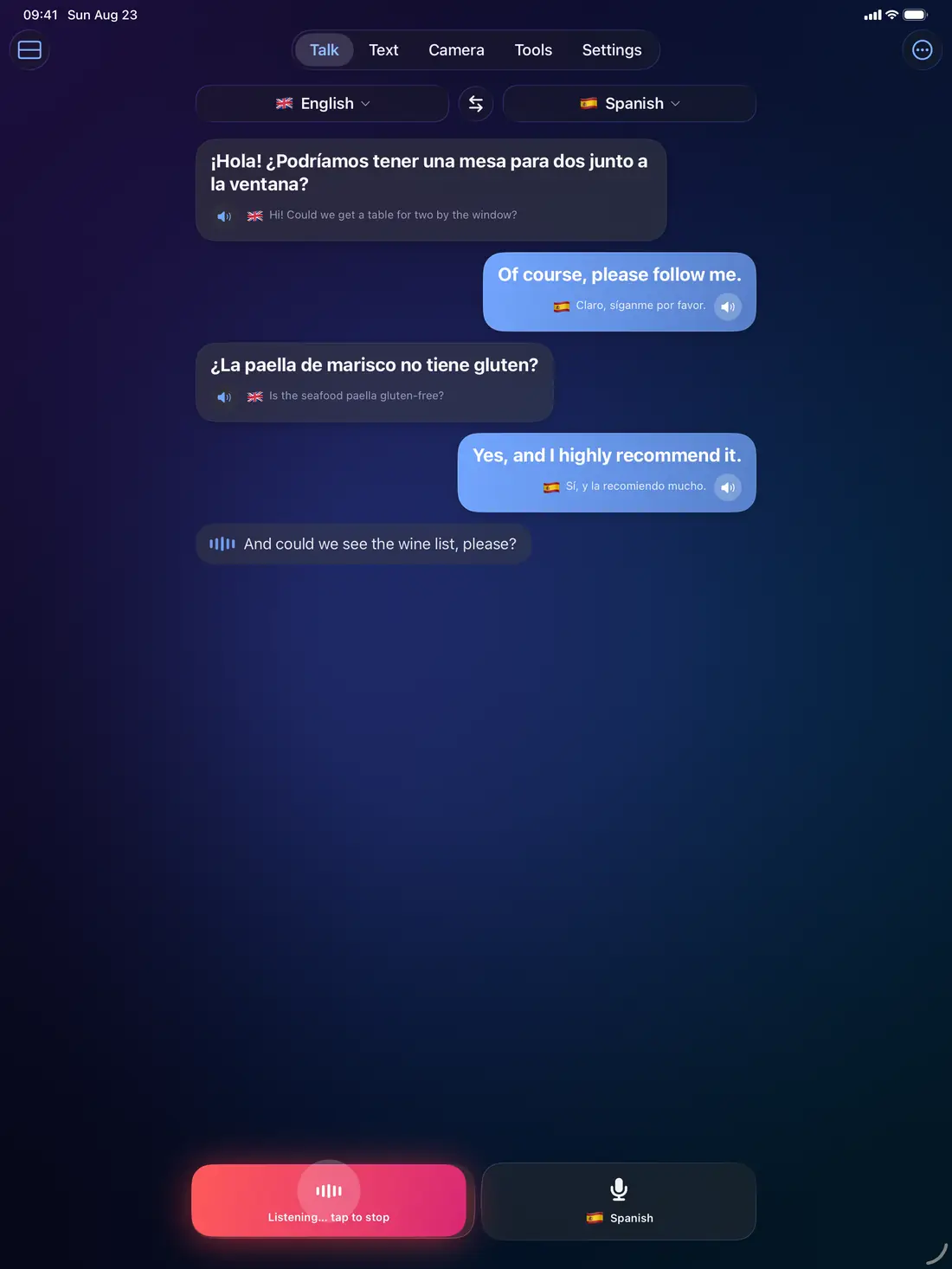
Hand the phone back and forth — or don't. Hands-free mode hears who is speaking, translates on the fly and reads it out loud. Face-to-face view splits the screen so the person across the table reads their side, right side up.

Camera
Menus, street signs, packaging, timetables — live translation is pinned over the original text as you move. Snap a photo for a clean, readable overlay you can tap, copy and listen to.
Everything included
Tap once, start talking. Fast speech recognition tuned so the first word is never lost.
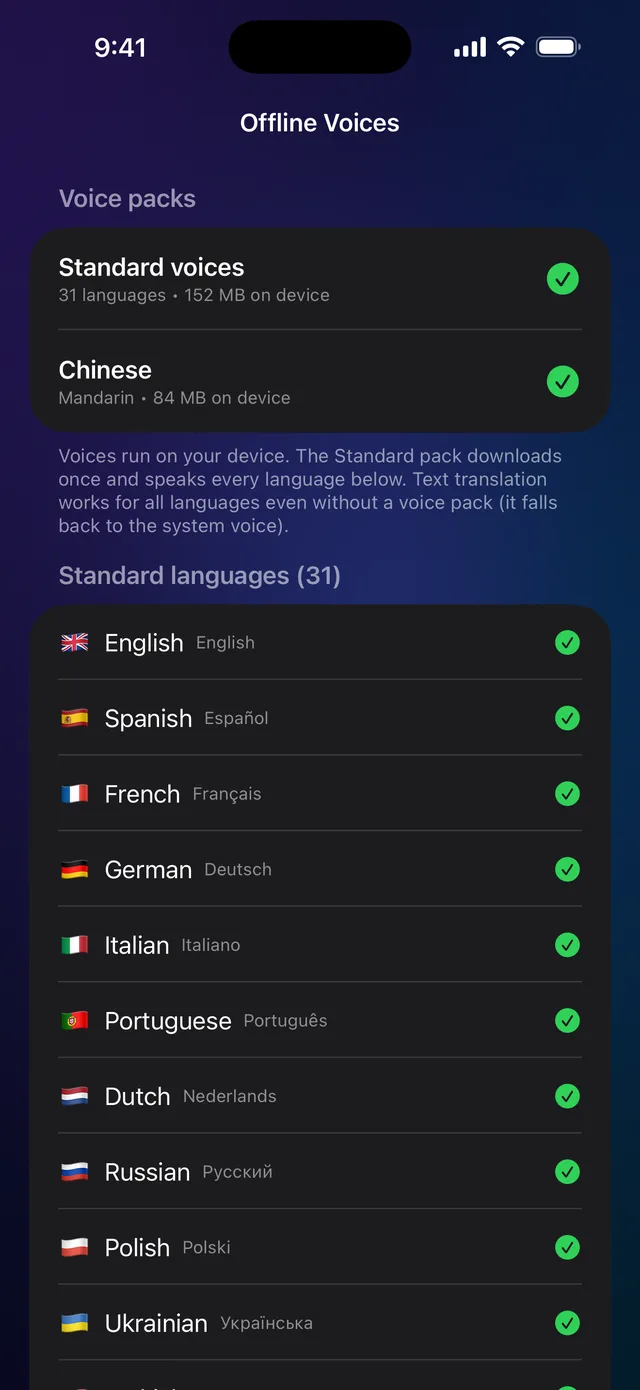
30+ neural voices that run on your device — private, offline and quick, with adjustable speed.
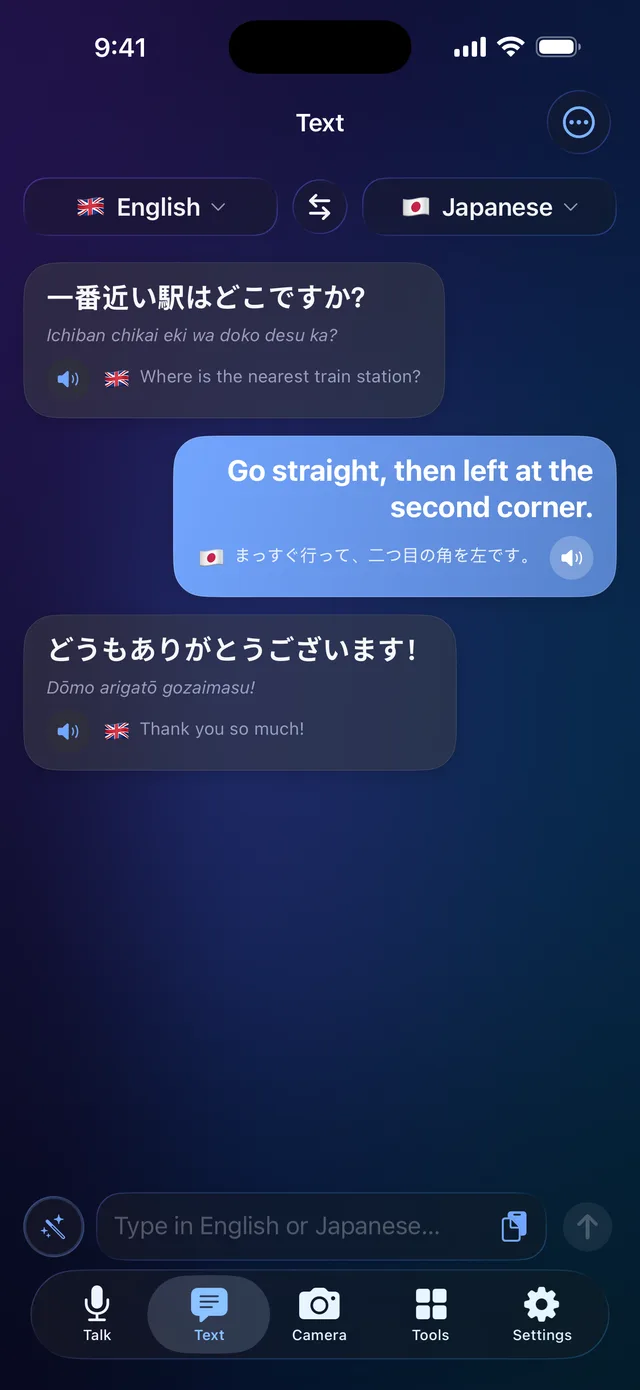
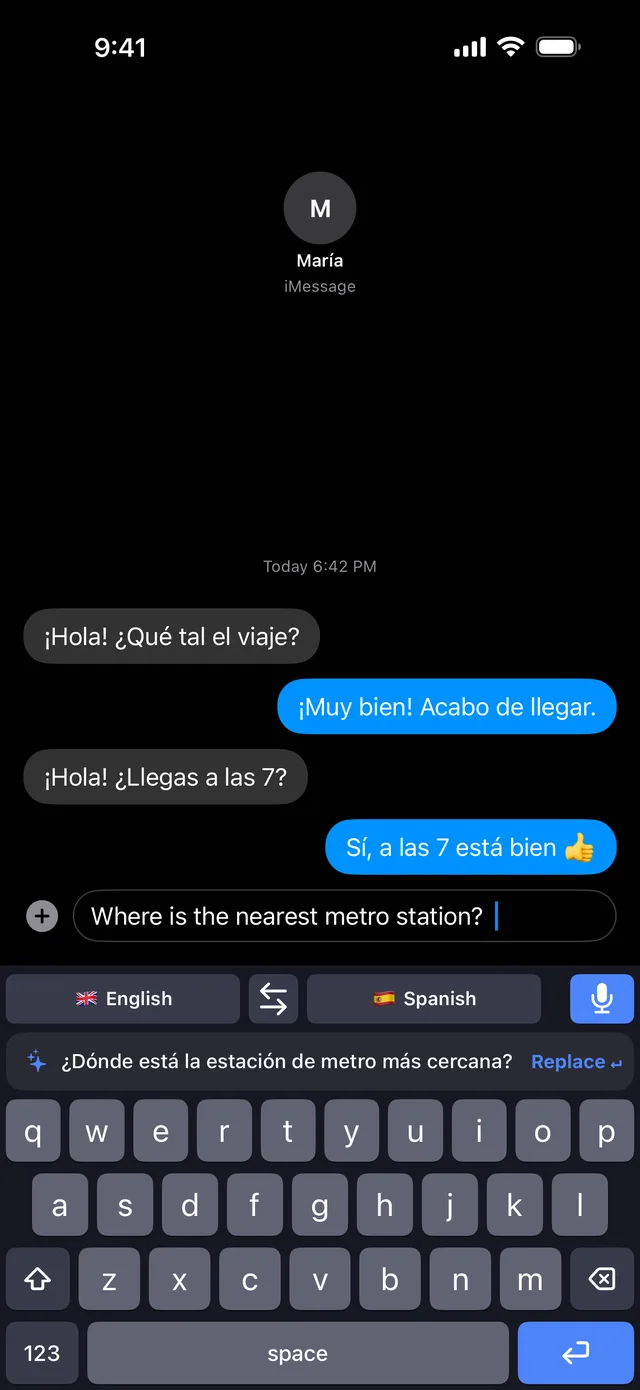
Type in your language, send in theirs — inside WhatsApp, Instagram, anywhere you chat.
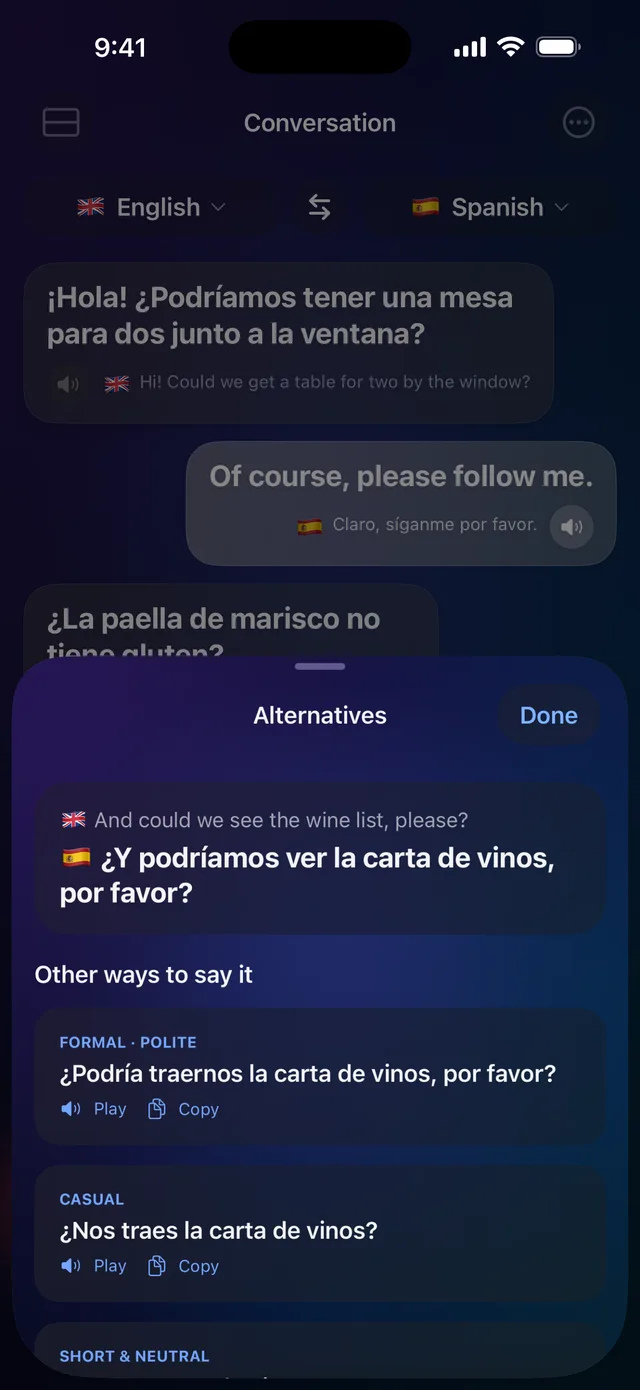
Slang, idioms, tone and grammar unpacked by AI — understand why, not only what.
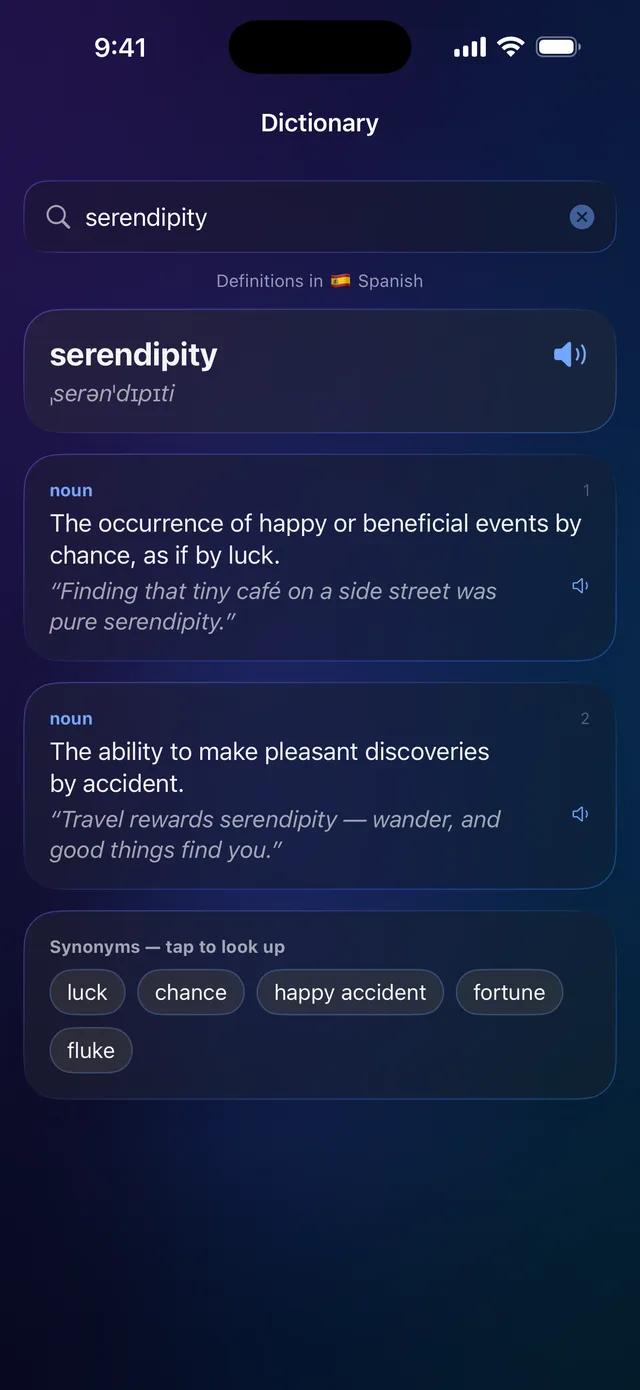
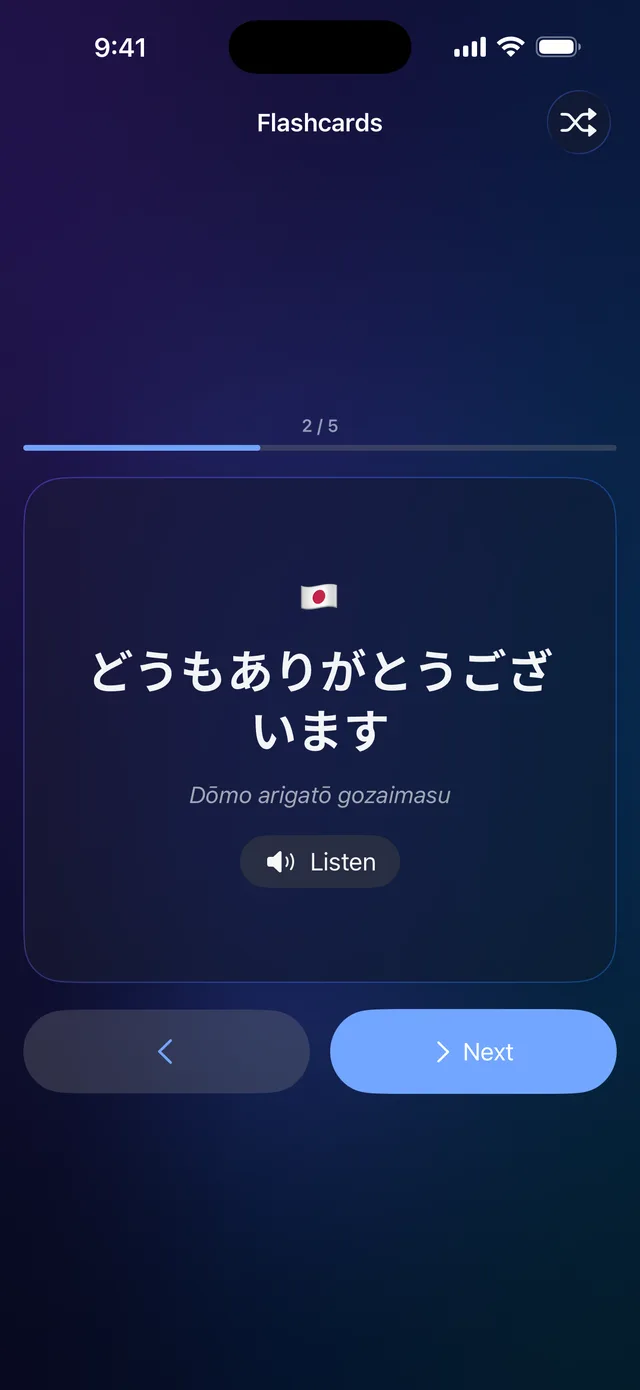
Deep word lookups with examples, plus spaced-repetition cards built from your own history.
Auto-detect who's speaking which language, with regional variants and phonetics for every result.
A closer look

iPad
The full app, rebuilt for the large canvas — conversation bubbles side by side, camera and dictionary in Split View next to your notes, and every feature from your iPhone in sync. Perfect propped on a hotel desk or handed across a counter.
Apple Watch
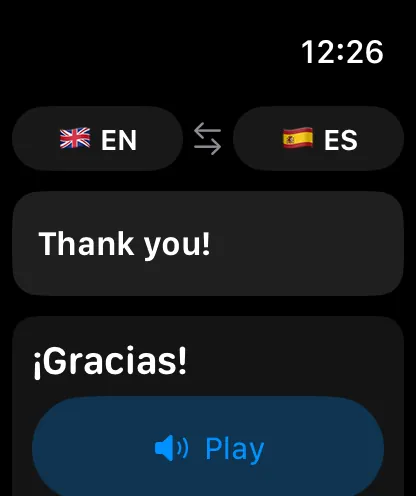
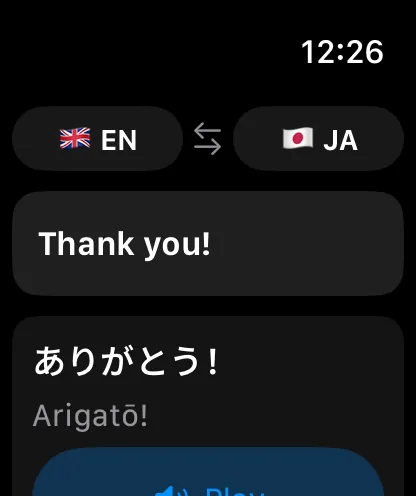
Raise your wrist, speak, and show the answer — in type big enough to read across a counter. The Watch app translates and speaks out loud on its own, so quick exchanges never need your iPhone in hand.
And everywhere else
The translating keyboard works system-wide — type in your language, send in theirs, inside WhatsApp, Instagram, mail and notes.
Translate from Spotlight, the Action button, Home Screen widgets and Control Center — without opening the app first.
Pricing
Billed through your Apple ID. Cancel anytime in Settings.
Purchases restore automatically on any device signed into the same Apple ID.
Questions